MCP Servers for WordPress: How AI Tools Are Changing Plugin Development in 2026
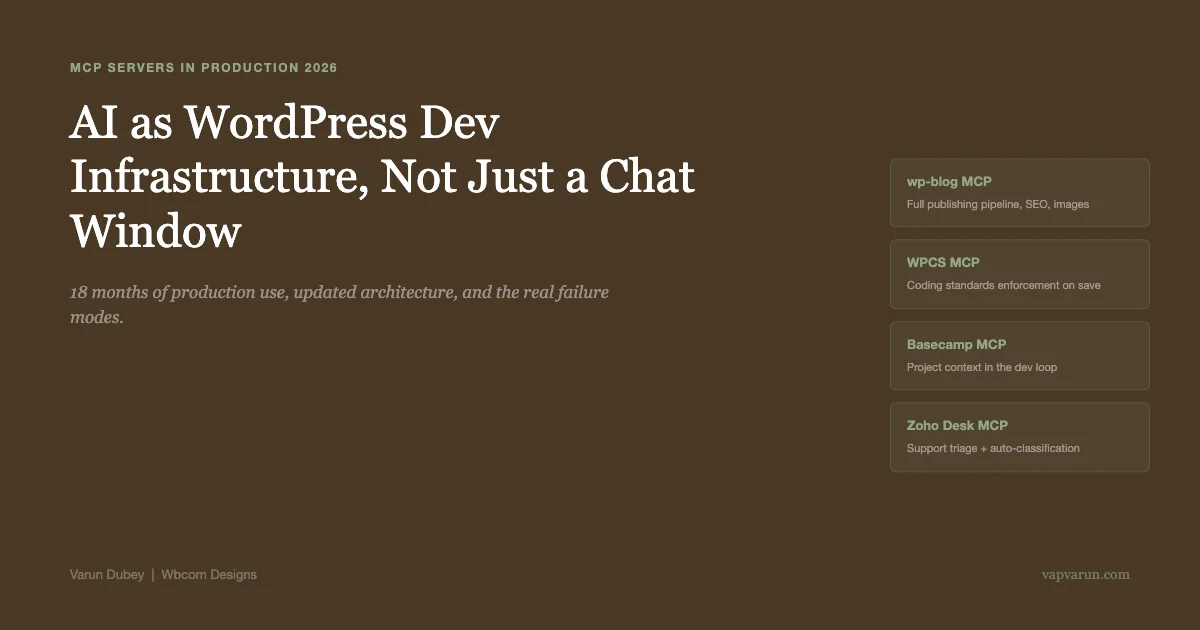
Eighteen months after writing the first version of this piece, the MCP landscape for WordPress looks different enough to warrant a full refresh. In early 2025, MCP was a promising pattern that a handful of developers were experimenting with. In mid-2026, it is infrastructure. The WordPress ecosystem has started building native MCP support. The tooling has matured. The failure modes are better understood. And at Wbcom Designs, the custom MCP servers that were experiments in 2024 are now production systems handling thousands of operations per week. Here is the updated picture.
What MCP Actually Is (The Clear Version)
MCP stands for Model Context Protocol. Anthropic released it as an open standard in late 2024. The idea is precise: give AI models a structured, standardized way to connect to external tools and data sources.
Before MCP, giving an AI assistant access to your WordPress site meant one of three things: paste data into the chat manually, write a custom script that called the AI API and stitched results together, or use whatever built-in integrations the AI tool offered (typically limited). None of these scaled. None allowed the AI to take multi-step actions with real autonomy.
MCP changes the relationship. You build a server that exposes tools with defined schemas. The AI model connects to that server and calls those tools during a conversation. The model can read your database, run lint checks, upload a file, call your WordPress REST API, update a Basecamp card, all in one conversation, with context that persists across steps.
The crucial difference from older integration patterns: the model decides when and how to use the tools. You describe what is available. The AI figures out how to sequence the tools to accomplish the goal. This is not scripted automation. It is goal-directed action with tools.
Why This Pattern Is Particularly Valuable for WordPress Agencies
WordPress development involves connecting systems constantly. Your plugin talks to the database, the REST API, third-party services, the admin UI. A single feature might touch six layers of the stack. The mental overhead is real, and it scales poorly as you manage more plugins and client sites.
WordPress agencies also face a specific scale problem: not scaling a single product to millions of users, but scaling a workflow across dozens or hundreds of different client sites. Each site has slightly different configurations, plugins, and requirements. The context-switching involved is exhausting and error-prone.
MCP servers give AI tools the structured access to these systems that makes them useful at agency scale, not just for isolated coding tasks. When Claude Code can query your test WordPress site directly, run coding standards checks automatically, and update your project management tool with results, it becomes a genuine workflow participant rather than a sophisticated autocomplete.
The Three MCP Servers at the Center of Our Stack
We have built and open-sourced three MCP servers that handle the core of our WordPress development and operations workflow.
wp-blog MCP: The Publishing Pipeline
This server handles the complete blog publishing pipeline across our 13 WordPress sites. It exposes tools for post creation and update, SEO meta management (unified across RankMath and Yoast), featured image generation, internal link suggestion, tag management, content quality audits, and publish gates.
The result: publishing a new post that meets SEO, quality, and formatting standards happens under AI direction with a human reviewing the final output before publish. What took 45 minutes of manual steps takes under 5 minutes of review. Across 13 sites with regular publishing schedules, this is a significant operational change.
The same server handles plugin documentation and changelog management. When we ship a plugin update, the AI reads the git diff, generates a formatted changelog, creates the readme.txt update, and drafts the announcement post. The formatting rules and voice guidelines are baked into the server, so output is consistent without prompting for style every time.
WPCS MCP: Coding Standards as Infrastructure
The WordPress Coding Standards MCP server runs phpcs against PHP files as they are written. Every AI-generated code file gets checked immediately. Violations get surfaced to Claude, which fixes them before the file gets committed.
The practical impact: consistent coding standards across 100+ plugins without manual enforcement. Developers do not remember to run the linter. The linter runs itself. The standards that used to require constant vigilance to maintain now enforce themselves automatically.
Beyond consistency, this catches a meaningful number of security-adjacent violations. Not all security issues, but the ones that coding standards rules cover: missing escaping on output, wrong sanitization function for context, undocumented parameters in public-facing functions. These get caught in the development loop, not in a security audit months later.
Basecamp MCP: Project Context in the Development Loop
Plugin development work connects to support tickets, feature requests, client projects, and release timelines. Without the Basecamp MCP, that context lives in a separate system and requires manual cross-referencing. With it, Claude Code can look up the project context around any piece of work directly.
The payoff is subtle but real: developers implementing a fix who have access to the original ticket description, the client’s context, and the related feature history make better implementation decisions than those working from a code diff alone. The “works as coded but not as intended” bug category decreases when the AI working on the code has access to why it exists.

What Has Changed in 18 Months
The original version of this piece was written when MCP was new. The ecosystem has matured in specific ways that change the practical picture.
MCP Has Broad Adoption
In early 2025, custom MCP server development required understanding a protocol that very few WordPress developers had encountered. In 2026, MCP support is built into Claude Code, several major AI development tools, and an expanding set of SaaS platforms. The question has shifted from “do I need to learn this new protocol” to “how do I use the MCP ecosystem that already exists.”
For WordPress specifically, there are now community-built MCP servers for WP-CLI integration, local development environments, WordPress.org plugin repository access, and WooCommerce operations. The custom build requirement has reduced significantly for common use cases.
The Security Review Layer Is Non-Negotiable
Eighteen months of production use has confirmed a lesson worth stating explicitly: AI-generated WordPress code requires human security review regardless of how good the AI has gotten. The WPCS MCP catches standards violations. It does not catch every security issue. The subtle ones, wrong sanitization function for context, missing capability check in an edge path, incorrect nonce verification timing, still require a developer who understands how WordPress security actually works to catch them reliably.
Our rule: any code that handles user input, database operations, file operations, or privileged actions gets a human review before commit. The AI generates it fast. Humans verify it carefully. That division of labor works. Skipping the human review step does not.
Failure Modes Are Better Understood
Complex cross-plugin debugging, WordPress multisite edge cases, and compatibility with recent core API changes are the three areas where AI assistance is still unreliable enough to require careful human verification. On each of these, the model generates confident output that is sometimes wrong. The confidence without reliability is the failure mode to watch for.
The pattern we have found useful: treat AI output on these three categories as a first hypothesis, not a solution. The AI’s suggested approach is often a good starting point for investigation. It is rarely the final answer.
Building Your First MCP Server for WordPress
If you are a WordPress developer who wants to start with MCP rather than using existing servers, here is the practical approach for 2026.
Start With a Single Tool That Solves a Real Problem
The first MCP server to build should expose one thing you do repeatedly and wish could happen automatically. For most WordPress developers, strong candidates are:
- Running WPCS on a directory and returning structured violations
- Fetching post content from a WordPress site by ID or slug
- Creating a post draft with specified content and metadata
- Running WP-CLI commands against a local or remote WordPress install
Build one tool. Get it working in a real development session. Understand the protocol and the development loop before adding scope. Most people who try to build a full server in one session end up with a half-working server that they maintain poorly. One well-built tool that you actually use is worth more than ten tools you keep meaning to finish.
The Technical Setup
MCP servers can be built in TypeScript (recommended for the official SDK support) or Python. The official Anthropic MCP TypeScript SDK handles the protocol details. You write tool handlers that receive parameters and return structured responses. The server configuration goes in your Claude Code settings.
A minimal WordPress MCP server that fetches a post looks like about 50 lines of TypeScript. The overhead is low. The value comes from the tools you build on top of the protocol, not from the protocol itself.
Connect to Real WordPress Infrastructure
The most common mistake in early MCP server development is building against mocked or simplified data. Connect to a real WordPress install from the start. The WordPress REST API, WP-CLI, or direct database access via the MCP server, all of these work. The point is that the AI model gets real data and real responses, which makes its actions meaningful.
The Broader Shift: AI as Development Infrastructure
The MCP pattern represents a specific shift in how AI integrates with development work. Instead of AI as a chat interface you paste code into and paste responses back from, AI becomes part of the development infrastructure. It has access to the systems you work with. It can take actions in those systems. It operates as a participant in the workflow rather than an external consultant you copy-paste between.
This shift is worth understanding because it changes what questions are worth asking about AI in WordPress development. The question is no longer “can this AI write good WordPress code?” The answer to that question is “mostly yes, with caveats.” The more productive question is “what should our development infrastructure be able to do, and how do we give AI the access it needs to participate in that infrastructure?”
Agencies that have answered the second question are operating at a different level than those still asking the first one. The productivity difference is measurable. The compounding advantage over time is significant.
For WordPress shops at the stage of integrating AI into development workflow seriously, the companion piece on AI tools for WordPress plugin development covers the day-to-day development workflow and how the custom MCP stack integrates with Claude Code and Copilot for actual plugin work. The automation operations layer is covered in the n8n + MCP + Claude flow automation piece. This post is the conceptual foundation; the other two are the implementation.
Where This Goes Next
Two developments worth watching as MCP matures in the WordPress ecosystem:
Native WordPress MCP support: There are active discussions in the WordPress contributor community about adding native MCP support to the WordPress REST API. If this happens, every WordPress install would expose a standardized set of MCP endpoints out of the box. The custom server development work we currently do would reduce to configuration. This would significantly lower the barrier for WordPress agencies to adopt MCP-based AI tooling.
Autonomous agent workflows: The current MCP usage pattern is human-in-the-loop: developer asks, agent acts, developer reviews. The next step is multi-agent workflows where agents spawn sub-agents for specific tasks, coordinate results, and deliver completed work for human review rather than step-by-step approval. This is already possible with current MCP infrastructure and is the direction our automation work is moving. The flows described in the n8n piece are early versions of this pattern.
The direction is clear: AI tools are becoming development infrastructure, not convenience features. The agencies that treat them as infrastructure, investing in the MCP layer that gives AI models structured access to real systems, are building a productivity advantage that compounds in ways that periodic AI usage does not.
Building WordPress Plugins and Custom Solutions?
Wbcom Designs builds custom WordPress plugins, community platforms, and integrations for clients who need deep platform expertise rather than template work. If you are evaluating a development partner for complex WordPress work, explore what we do or get in touch. We are happy to discuss what your project needs specifically.