The Complete Guide to BuddyPress WP-CLI Commands
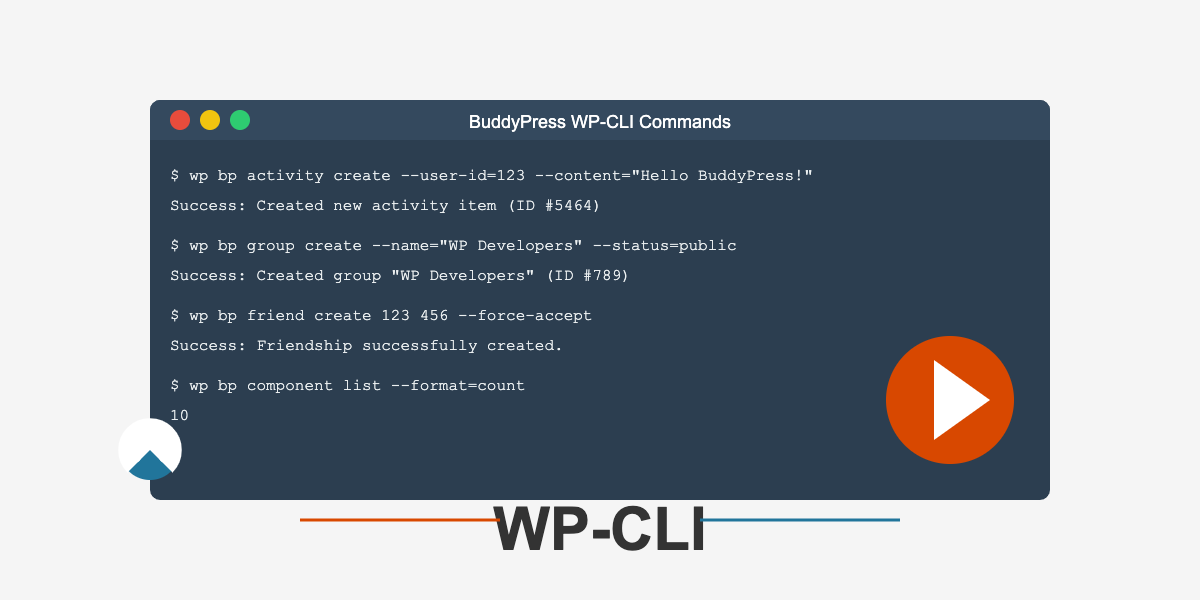
BuddyPress is a powerful plugin that transforms your WordPress site into a full-featured social network. Managing a BuddyPress installation, especially on larger sites, can be challenging when limited to the WordPress admin interface. That’s where WP-CLI (WordPress Command Line Interface) comes in, offering a set of commands specifically designed for BuddyPress that lets you manage your social network efficiently from the command line.
In this comprehensive guide, we’ll explore all the BuddyPress WP-CLI commands available, providing practical examples to help you streamline your BuddyPress administration tasks.
Table of Contents
- Installation
- General Usage
- Activity Commands
- Group Commands
- Member Commands
- Message Commands
- Friend Commands
- Notification Commands
- XProfile Commands
- Email Commands
- Signup Commands
- Tool Commands
- Component Commands
- Sitewide Notice Commands
- Scaffold Commands
Installation
Prerequisites
Before you can use the BuddyPress WP-CLI commands, make sure you have:
- WordPress installed
- BuddyPress plugin installed and activated
- WP-CLI installed on your server
Installing the Package
The BuddyPress WP-CLI package comes installed by default with BuddyPress. However, if you need to use the latest version, you can install it manually:
wp package install git@github.com:buddypress/wp-cli-buddypress.gitIf you encounter memory issues during installation, increase the PHP memory limit:
php -d memory_limit=512M "$(which wp)" package install git@github.com:buddypress/wp-cli-buddypress.gitGeneral Usage
All BuddyPress commands in WP-CLI follow this format:
wp bp [component] [command] [arguments] [--options]For example, to create a new activity item:
wp bp activity create --component=groups --user-id=123 --content="Hello World"Now, let’s explore the commands for each BuddyPress component.
Activity Commands
Activities are the lifeblood of any social network, and BuddyPress WP-CLI provides robust commands to manage them.
Creating Activities
wp bp activity create --user-id=50 --component=groups --content="Check out our new group!"This command creates a new activity for user ID 50 in the groups component with the specified content.
Listing Activities
wp bp activity list --count=10This returns a list of the 10 most recent activities across your site.
Generating Random Activities
Useful for testing, this command generates random activity items:
wp bp activity generate --count=50Managing Comments
Add a comment to an activity:
wp bp activity comment 123 --user-id=50 --content="Great post!"Delete a comment:
wp bp activity delete-comment 123 --comment-id=456 --yesOther Activity Commands
wp bp activity get– Fetch a specific activitywp bp activity delete– Delete an activitywp bp activity spam– Mark an activity as spamwp bp activity ham– Mark an activity as not spamwp bp activity favorite create– Add an activity as a favoritewp bp activity favorite delete– Remove an activity from favorites
Group Commands
Groups are a central feature of BuddyPress, allowing users to organize into communities.
Creating Groups
wp bp group create --name="WordPress Developers" --description="A group for WordPress developers" --status=publicManaging Group Members
Add a user to a group:
wp bp group member create --group-id=123 --user-id=50 --role=memberPromote a member to admin:
wp bp group member promote --group-id=123 --user-id=50 --role=adminGroup Invitations
Send an invitation:
wp bp group invite create --group-id=123 --user-id=50 --inviter-id=60Accept an invitation:
wp bp group invite accept --group-id=123 --user-id=50Other Group Commands
wp bp group get– Get details of a specific groupwp bp group delete– Delete a groupwp bp group list– List groups with various filterswp bp group update– Update group detailswp bp group meta add– Add custom metadata to a group
Member Commands
Manage BuddyPress members effectively with these commands.
Generating Test Members
wp bp member generate --count=50This creates 50 random members in your BuddyPress installation, perfect for testing.
Message Commands
Private messaging is a key communication feature in BuddyPress.
Creating Messages
Send a new message:
wp bp message create --from=50 --to=60 --subject="Hello" --content="How are you doing?"Managing Threads
Delete a message thread:
wp bp message delete-thread 123 --user-id=50 --yesOther Message Commands
wp bp message list– List messages for a userwp bp message star– Star a messagewp bp message unstar– Unstar a messagewp bp message send-notice– Send a site-wide notice
Friend Commands
Manage friendship connections between members.
Creating Friendships
wp bp friend create 50 60This creates a friendship request from user ID 50 to user ID 60.
Force accept the friendship immediately:
wp bp friend create 50 60 --force-acceptChecking Friendship Status
wp bp friend check 50 60Other Friend Commands
wp bp friend delete– Remove a friendshipwp bp friend accept– Accept a pending friendshipwp bp friend reject– Reject a pending friendshipwp bp friend list– List a user’s friendswp bp friend generate– Generate random friendships
Notification Commands
Keep users informed with the notification system.
Creating Notifications
wp bp notification create --user-id=50 --component=groups --action=new_membershipListing Notifications
wp bp notification list --user-id=50Other Notification Commands
wp bp notification get– Get details of a specific notificationwp bp notification delete– Delete a notificationwp bp notification generate– Generate random notifications
XProfile Commands
Extended profiles allow users to share more about themselves.
Managing Field Groups
Create a field group:
wp bp xprofile group create --name="Professional Info"Managing Fields
Create a field:
wp bp xprofile field create --field-group-id=123 --name="Job Title" --type=textboxManaging Profile Data
Set profile data:
wp bp xprofile data set --user-id=50 --field-id=123 --value="Developer"Get profile data:
wp bp xprofile data get --user-id=50 --field-id=123Other XProfile Commands
wp bp xprofile group delete– Delete a field groupwp bp xprofile field delete– Delete a fieldwp bp xprofile data delete– Delete profile data
Email Commands
Customize the emails BuddyPress sends to users.
Creating Email Templates
wp bp email create --type=new-event --subject="New Event" --content="A new event has been created" --plain-text-content="A new event has been created"Other Email Commands
wp bp email get-post– Get details of an email postwp bp email reinstall– Reinstall default email templates
Signup Commands
Manage the signup and registration process.
Creating Signups
wp bp signup create --user-login=newuser --user-email=newuser@example.comActivating Signups
wp bp signup activate 123Other Signup Commands
wp bp signup get– Get details of a signupwp bp signup delete– Delete a signupwp bp signup generate– Generate random signupswp bp signup resend– Resend activation email
Tool Commands
Utility commands for BuddyPress maintenance.
Repair Tools
Fix friend counts:
wp bp tool repair friend-countViewing BuddyPress Version
wp bp tool versionManaging Signup Feature
Enable signups:
wp bp tool signup 1Disable signups:
wp bp tool signup 0Component Commands
Manage BuddyPress components (modules).
Listing Components
wp bp component listActivating/Deactivating Components
Activate a component:
wp bp component activate groupsDeactivate a component:
wp bp component deactivate groupsSitewide Notice Commands
Manage site-wide announcements.
Creating Notices
wp bp notice create --subject="Site Maintenance" --message="The site will be down for maintenance tonight."Managing Notices
Activate a notice:
wp bp notice activate 123Deactivate a notice:
wp bp notice deactivate 123Other Notice Commands
wp bp notice get– Get details of a noticewp bp notice delete– Delete a noticewp bp notice list– List all notices
Scaffold Commands
Set up BuddyPress development environments quickly.
Scaffolding Tests
wp bp scaffold tests my-pluginThis creates BuddyPress-specific test files in your plugin directory.
Conclusion
WP-CLI commands for BuddyPress provide a powerful way to manage your social network from the command line. Whether you’re administering a small community or a large-scale social network, these commands can save you time and effort in day-to-day management tasks.
By mastering these commands, you’ll be able to:
- Automate repetitive tasks
- Perform bulk operations efficiently
- Generate test data quickly
- Troubleshoot issues more effectively
For more detailed information, check out the official BuddyPress documentation and the WP-CLI BuddyPress repository on GitHub.
Advanced Tips
- Combining Commands: Use bash scripting to chain commands together for complex operations
- Scheduled Tasks: Set up cron jobs that run specific BuddyPress WP-CLI commands regularly
- Batch Processing: Use the
--format=idsoutput with xargs to process large numbers of items
Happy BuddyPress CLI commanding!