What You Can Now Do on Your WP Career Board
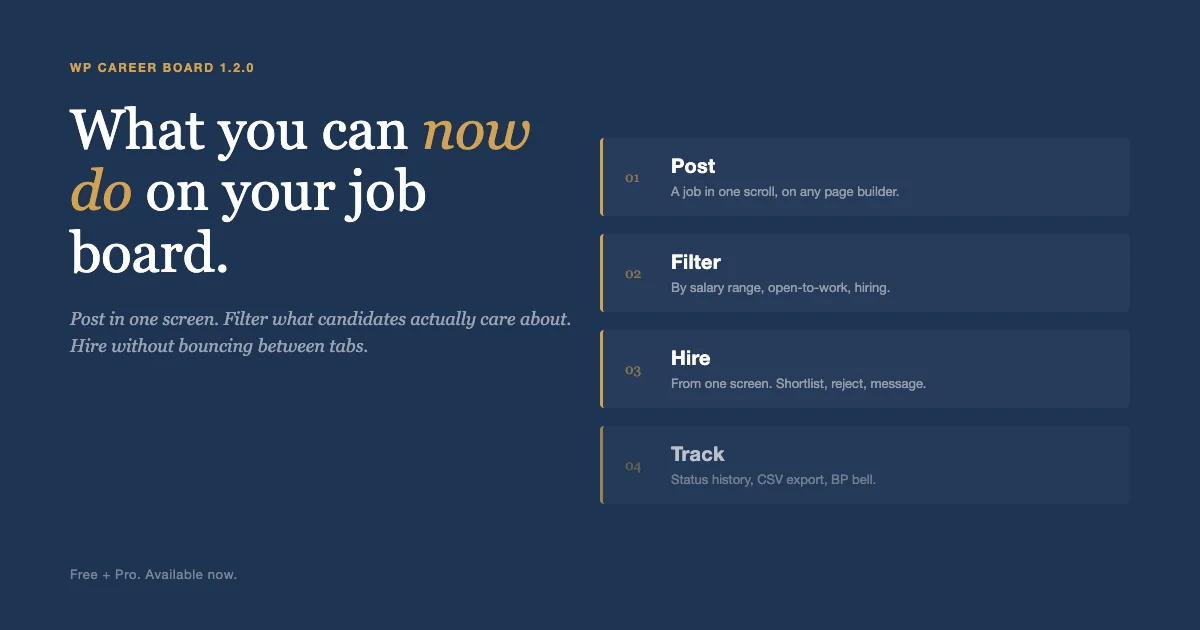
The work of running a job board used to mean a multi-section posting wizard, a noisy admin screen for every application, and manually chasing candidates who saved a job and forgot. The latest WP Career Board release shifts that work. Employers post faster. Candidates filter what they actually care about. You stop bouncing between tabs to hire. Here is what your job board can now do, organized by the person sitting in front of it, not by changelog bullet.
If you are new to the plugin, the back story sits in Building WP Career Board: a block-native job board with zero third-party dependencies. This post is about the day-to-day experience after 1.2.0 lands.
Three usability problems this release solves
Strip the changelog away and three things drive every change in 1.2.0:
- The posting flow asked for too much, too early. A multi-section wizard is fine for an HR system. It is wrong for a partner who wants to post one role in a sidebar.
- Hiring meant juggling tabs. Status changes lived on one screen, messages on another, the resume in a download folder. Most agencies built custom dashboards rather than use the default.
- Communities and credits did not feel native. BuddyPress groups had no awareness of jobs. Credit pricing was a single number, not a structure that respected membership tiers.
Each section below maps to one of those problems.
Post a job in one screen
A new single-page job form replaces the multi-section wizard with one scroll. Drop it into a sidebar, a modal, a partner page, or your page builder using the Job Form (Single-Page) block or the [wcb_job_form_simple] shortcode. Every shortcode accepts the same attributes as its block, so Elementor, Divi, Bricks, Beaver Builder, and the classic editor all work without custom code.
If a form needs a custom field, you add it with one filter call. The same schema works for the resume builder, the new single-page resume form, and the job form, so you do not learn a different API for each surface.
Hire without leaving the screen
The rebuilt Edit Application admin screen now shows the applicant card with avatar and contact info, the cover letter, a resume preview with Open and Download buttons, a status changer, and quick action buttons for Shortlist, Mark Hired, Reject, and Message. Full status history sits below the actions, so you see who moved the application and when.
Every component on that screen also works as a [wcb_widget id="..."] shortcode, so a hiring manager who lives on a custom dashboard page can have the same controls without entering wp-admin.
When the shortlist gets long, the new bulk applicant CSV export sends a UTF-8 spreadsheet with applicant name, email, job, status, applied date, cover letter, and resume URL. Useful for handing off to a hiring lead who lives in Sheets.

Filter candidates by what matters
The Find Jobs page now has a live salary range slider with chip pills showing the active minimum and maximum. Candidates stop scrolling past jobs that pay outside their range. Member directories at /members/ pick up two new filter chips: Open to Work for members with a public resume marked open, and Hiring for members with at least one published job. Those chips write directly to BP_User_Query, so they compose with every other directory filter your members already use.
Stop losing warm candidates
Candidates who saved a job but never applied now get a 3-day and a 1-day reminder before the deadline, automatically, via daily cron. Featured listings expire automatically after a configurable duration (default 30 days), so Featured becomes a real time-bound paid SKU instead of a one-time toggle you have to remember to clear. Both of those used to need a developer; now they ship as defaults.
Let candidates show they are hireable
A new single-page resume form captures headline, summary, top skills, years of experience, location, open-to-work, and profile photo. It sits alongside the existing multi-section resume builder, so simple profiles use the short form and detailed CVs use the long one.
Open to Work and Featured Candidates blocks now render the resume profile photo (with an initial-letter fallback, never BuddyPress or Gravatar), a location row, and a years-of-experience badge computed from the earliest experience entry. The Open to Work block randomises candidate order on each load, so exposure rotates across everyone, not just the most recently saved profile.
Run boards inside BuddyPress groups
Every BuddyPress group now gets a Jobs tab on the group nav, listing only that group’s jobs. A linked board is auto-created per group; titles stay in sync. Group admins and moderators can approve or reject jobs posted to their board without holding the global moderate-jobs capability, so each community polices its own listings.
Approved jobs post to the BP activity stream (and into the group stream when the job lives on a group board). Hired candidates get a celebratory activity entry. New applications appear in the employer’s BP notification bell. Application status changes appear in the candidate’s bell with localised labels.
Charge fairly with credits
A new tiered credit pricing matrix lets you configure how many credits each user pays per BuddyPress member type, PMPro level, or MemberPress membership, for both posting a job and upgrading to Featured. The cheapest applicable tier wins automatically, so a user who happens to qualify under two tiers always gets the better price.
Employers can spend credits to upgrade an existing job to Featured (separate from the posting cost). That pairs with the new auto-clearing of Featured after the configured duration, so a one-week Featured boost ends without admin intervention.
Two settings UX fixes go with this. The Admin Credits tab now shows a warning banner when a Purchase URL is set but no product is mapped to a positive credit amount, so the misconfiguration that hides the Buy Credits button on the credit-balance block is visible from settings. The Buy Credits link itself hides automatically when the mapping is broken, so an employer cannot complete an order that tops up zero credits.
Speak your members’ language
WPML and Polylang configs now ship in the plugin, so multilingual sites can translate job board post types, taxonomies, and key strings out of the box. The credit-cost notice above the Submit button reads from translated PHP strings, with cost and balance interpolated live from the Wbcom Credits SDK, so a Spanish or French member sees the entire credit flow in their own language.
Less admin housekeeping
The Admin Boards tab now paginates at 20 boards per screen and ships a name search box with a Clear link. The previously flat board listing was unusable on sites with more than a screenful of boards. Daily cron handles deadline reminders and featured-listing expiry sweeps automatically. The Test Email button on the Emails settings tab now succeeds even when the template is toggled off, so you can verify SMTP without flipping templates on.
Better defaults out of the box
The mobile single-job page now puts About This Role first, where candidates actually look. The setup wizard centers between the admin sidebar and the right edge on wide viewports. Pro CSS uses the expanded Free design-token system, so Reign, BuddyX, or any theme overriding the primary color now restyles every block in both plugins automatically. Custom database tables declare InnoDB explicitly, so the plugin works on hosts whose MySQL default is still MyISAM.
A hiring day, before and after 1.2.0
Before. An employer opens Applications, sees a flat list, clicks an applicant, lands on a noisy edit screen with twelve unrelated metaboxes. They download the resume to read it. They open a separate page to message the candidate. They go back and change the status. Repeat for ten candidates. Fifteen minutes per applicant becomes most of the morning.
After. The same employer opens the rebuilt Edit Application screen. The resume preview is right there. The status changer, quick-action buttons, and message link sit beside the cover letter. They move one applicant to Shortlist, message another, mark a third Hired. Three minutes per candidate, ten applicants, half an hour.
On the candidate side. Before, a saved job sat in the saved list forever and the deadline passed unnoticed. After, the candidate gets a 3-day reminder, then a 1-day reminder, then applies on time. The conversion difference shows up directly in your hire rate.
Who this update changes the day for
Different communities pull different value out of the same release:
- Agencies running a talent network. The bulk CSV export ends the weekly “send me the shortlist” Slack request. Tiered credit pricing lets you charge an enterprise member a different rate from an indie member on the same platform.
- Universities and alumni associations. BuddyPress group Jobs tabs map cleanly to alumni groups by cohort or program. The Hiring directory chip surfaces alumni who are actively recruiting from current students.
- Professional communities and member sites. The Open to Work chip on the member directory turns the whole community into a passive talent pool the moment a member updates their resume.
- Single-employer career pages. The single-page job form drops into any sidebar or partner-portal page, so a hiring manager can collect a referral submission from a marketing page without ever sending the visitor to a separate post-a-job route.
The plugin no longer asks each of those audiences to compromise on the same layout.
Upgrade checklist
If you are upgrading from 1.1, walk this list once after the update:
- Activate WP Career Board (Free) 1.2.0 first, then Pro 1.2.0. Pro requires Free at the same version.
- Visit
Settings -> Career Board -> Creditsand confirm the Purchase URL is mapped to a product with a positive credit amount. The new warning banner will tell you if it is not. - Open
Settings -> Career Board -> Boards. If you have more than 20 boards, the new paginated layout and search bar take effect automatically. - Open a BuddyPress group. Confirm the new Jobs tab appears in the group nav and lists only that group’s jobs.
- Submit a test application against any open job. Check that the resume preview, status changer, and quick-action buttons render on the Edit Application screen.
- If you run a multilingual site, regenerate language strings via WPML or Polylang to pick up the new translated email templates and credit-cost messages.
Available now
WP Career Board 1.2.0 (Free) and WP Career Board Pro 1.2.0 are available now. Install both updates together; Pro 1.2.0 requires Free 1.2.0 or newer. Pro continues the bet laid out in WP Career Board Pro: a new essential ecosystem launch. Full changelog at wbcomdesigns.com/release-notes/wp-career-board and wp-career-board-pro.