What Clients Ask About AI (And How I Answer): An Agency Owner’s Honest FAQ
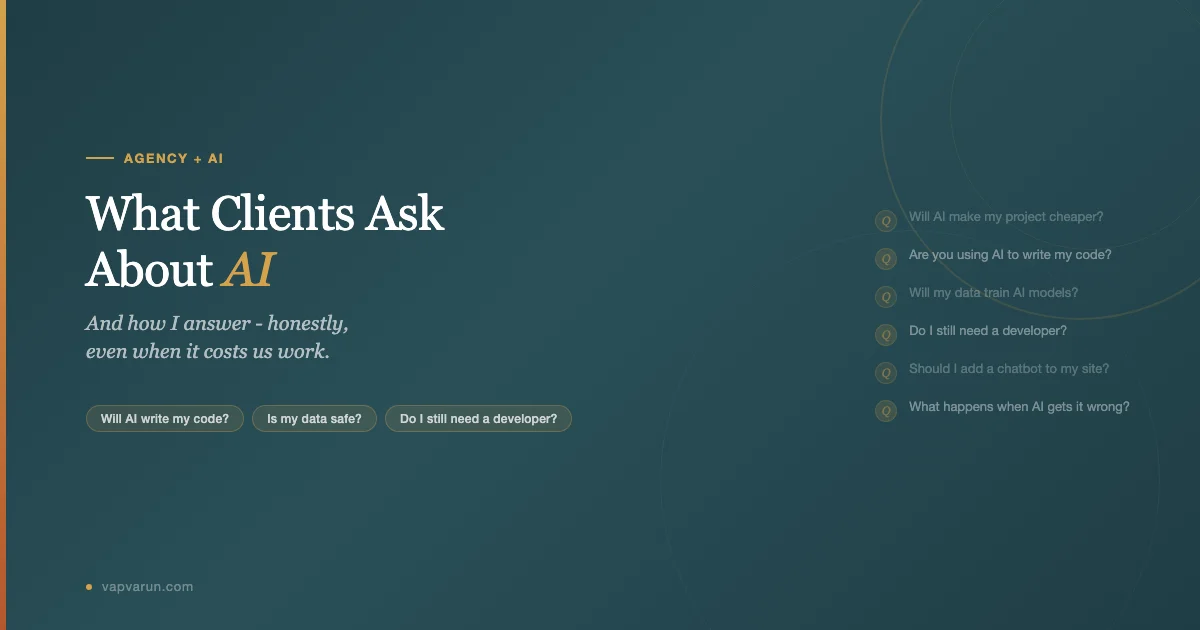
Every week, I walk into a client call where someone has spent 72 hours reading about AI. They’ve watched the demos, seen the LinkedIn threads, read the breathless predictions. And now they have questions. Real ones. Some of them are uncomfortable for an agency to answer honestly, because the honest answer costs us money. This post is that answer, written as plainly as I can manage.
I’m not going to tell you AI is magic or that it’s hype. Both of those answers are easy to say and neither of them helps you make a decision. What I’ll do instead is answer the specific questions clients actually put to me, in the words they actually use, and tell you what I tell them.
| Client Question | Short Answer | What It Means for Your Budget |
|---|---|---|
| Will AI make my project cheaper? | Partly. Not the way you think. | Faster execution, same architecture cost |
| Are you using AI to write my code? | Yes, under human review. Always. | No change to accountability or warranty |
| Will my data train AI models? | Not with the tools we use. We check. | No risk with API-based tools + our setup |
| Do I still need a developer? | Yes. The role changed, not the need. | No budget cut here |
| Can AI maintain my site? | No. It can help maintain it. | Retainer stays the same |
| What happens when AI gets it wrong? | We catch it. That’s part of the job. | No extra charge for corrections |
| Should I add a chatbot to my site? | Depends on what problem you’re solving. | Chatbots aren’t free to run well |
Will AI Make My Project Cheaper?
Sometimes. But not in the way most clients expect when they ask the question.
Here’s what actually changes: execution time on repeatable code tasks is faster. If I need to write a custom WordPress REST endpoint, a settings page, or a block pattern, I can have a first draft in minutes rather than hours. That speed translates into fewer billable hours for some work, and we pass that through honestly.
Here’s what doesn’t change: the thinking. Architecture decisions, security choices, accessibility requirements, performance optimization for your specific server configuration, integration with your existing plugins – none of that gets faster. AI is a good typist. It’s not a good architect. The expensive part of a project has always been the reasoning, not the keystrokes.
I’ve also seen clients come in expecting a 50% discount because “the AI does the work.” This misunderstands the workflow. When we use AI tools, we generate more, review more, test more, and iterate faster. The time savings are real but they go into higher quality output and more thorough testing, not into halving the invoice. The agency that’s passing along AI efficiency as a 50% price cut is either burning margin or compromising on review.
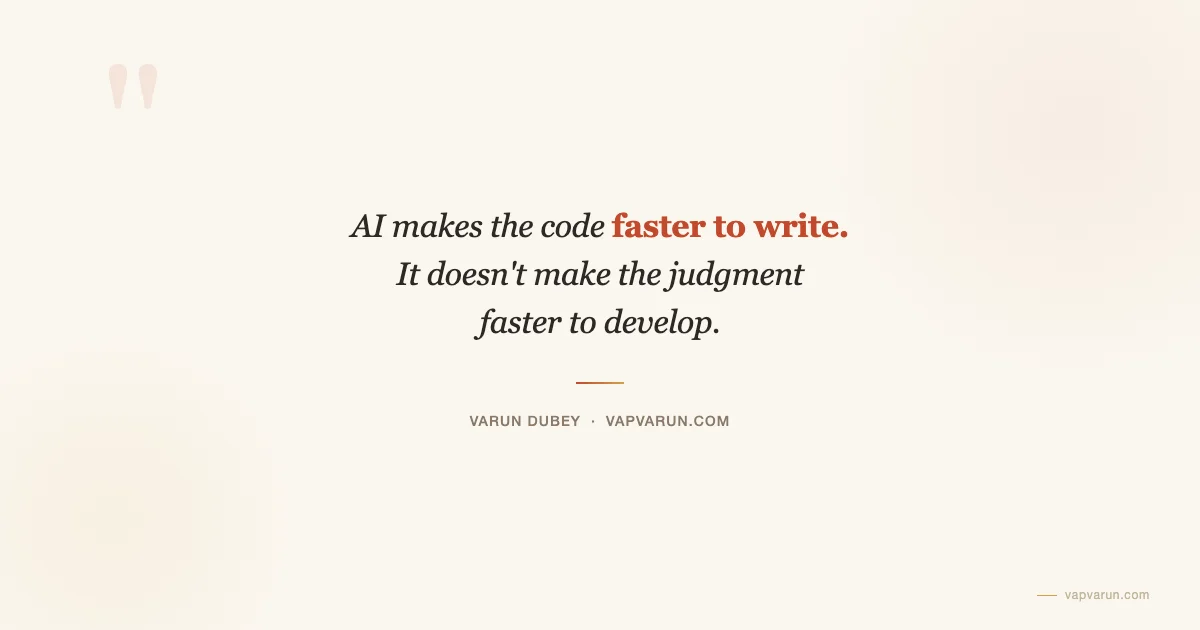
AI makes the code faster to write. It doesn’t make the judgment faster to develop. You’re paying for both, and the judgment has always been the expensive part.
Are You Just Having AI Write My Code?
Yes – and no. Let me be direct about this because I’ve seen other agencies be evasive and I think that’s a mistake.
We use AI coding tools, primarily Claude Code and GitHub Copilot depending on the task. When I write a plugin feature, I’ll often start with a prompt, get a draft, and then review, revise, test, and finalize. The AI wrote some of the characters. The developer made every meaningful decision.
The accountability structure hasn’t changed. If there’s a bug, we fix it. If there’s a security vulnerability, we’re responsible. If the integration breaks after a WordPress update, that’s on our retainer. The tool used to generate the initial code doesn’t change who’s accountable for the output.
What I’d push back on is the implication in the question, which is that AI-generated code is somehow less trustworthy. I’ve found the opposite is often true in practice. Using AI drafts has made our code review more systematic because we’ve had to build habits around verifying AI output. That scrutiny catches problems that might have slipped through in a pure-manual workflow when you’re tired at the end of a sprint.
We don’t hide this from clients. It’s in our process documentation. If you’re hiring an agency that claims they don’t use any AI tooling in 2026, you should ask them why, because there’s likely either an ideological stance or an efficiency gap at play.
Will My Data Be Used to Train AI Models?
Not with the tools we use, and we’ve verified this before adopting them. This is the question where I’m most careful because it matters the most.
Here’s our actual setup: we work with API-based tools, not the consumer chat interfaces. Anthropic’s API terms explicitly state that they don’t use API inputs and outputs to train models without opt-in consent. OpenAI’s API has the same provision. We do not opt in. The consumer products (Claude.ai, ChatGPT on a free or Plus plan) have different terms. We don’t paste your credentials, your database schemas, your proprietary logic, or your customer data into consumer chat interfaces.
We also don’t route client information through AI tools as a matter of workflow design. When we use AI for your project, we’re asking it to help with code patterns, documentation, or debugging – not feeding it your customer database or your business logic for analysis.
If you have a specific compliance requirement – GDPR, HIPAA, SOC 2 – we’ll discuss what that means for our tooling choices on your project before we start. I’ve had clients where the right answer was a local model running on our infrastructure. That’s more expensive, but the option exists.
The question is valid and I’m glad clients ask it. The honest answer in our case is: the risk is managed, but you should verify it rather than take anyone’s word for it.
Do I Still Need a Developer? Or an Agency?
Yes, and this is the question that should probably cost me clients but doesn’t seem to in practice. The honest answer is that the role changed. The need didn’t.
Here’s what someone with no development background can now do with AI tools: generate functional-looking code, build basic workflows, create prototypes that run. Here’s what still goes wrong when they try to take that to production: security vulnerabilities from generated code that looked right but wasn’t, performance issues that only appear under real traffic, integration failures with plugins that weren’t in the AI’s training data, accessibility gaps that generated code systematically misses.
I’ve watched this cycle happen three or four times now in our client acquisition. Someone fires their agency, spends six months using AI tools themselves, hits something they can’t debug, and comes back. The pattern I wrote about in helping clients who come to us after a failed project is essentially the same pattern, accelerated. The failure mode shifted from “my cousin built it” to “I built it with ChatGPT,” but the result is similar: a codebase that works until it doesn’t, with no one who understands why.
What AI genuinely changed is the floor. A developer using AI tools today can do work that used to require a team. That has implications for agency size and structure. It doesn’t eliminate the need for someone who knows what they’re doing.
Can AI Maintain My Site?
No. It can assist with maintenance tasks. Those are different things.
Maintenance on a real WordPress site means: monitoring for security vulnerabilities in your plugin stack, reviewing WordPress core updates before applying them to understand what breaks, applying updates in a tested order, debugging the thing that stops working after an update you didn’t notice, catching performance regressions when a caching layer changes behavior, responding when your host migrates infrastructure.
AI tools can help with specific tasks inside that list. When something breaks after an update, I can use AI to analyze error logs, cross-reference the WordPress changelog, and narrow down the likely cause faster than I could manually. That’s real value. But “help narrow down a cause faster” and “maintain your site autonomously” are very different things.
The retainer conversation sometimes goes: “If AI handles maintenance, why am I paying you?” The answer is that AI doesn’t handle maintenance. It handles some tasks within a maintenance workflow that a developer still has to supervise and own. That’s not a hedge – it’s just accurate about what the tools currently do.
There may be a future where autonomous AI agents handle routine site maintenance reliably. We’re not there yet, and I’m not going to tell you we are to close a cheaper deal.
What Happens When AI Gets It Wrong?
We catch it. That’s part of the job. But let me be honest about how this works in practice, because “we catch it” is not the same as “we catch it 100% of the time before it reaches you.”
AI code generation makes certain classes of errors more common. Hallucinated function names (a function that doesn’t exist in the WordPress API, but sounds like it should). Plausible but insecure patterns, particularly around nonce verification or capability checks. Outdated approaches that were correct two WordPress major versions ago. Code that works in isolation but fails when another plugin has already loaded the same dependency.
Our review process is designed specifically around these failure modes. We run PHPCS and PHPStan checks. We test in staging against the client’s actual plugin stack. We do security reviews on anything that touches user input or authentication. None of that is new – what changed is that we built checklists specifically targeting AI error patterns rather than human error patterns, because they’re different.
When something slips through, we fix it without charging for the fix. Same as always. The bar for “this was our mistake” hasn’t changed because we used an AI tool to generate the initial draft. If it went out under our name, we own it.
The uncomfortable truth is that AI errors can be subtle. A human developer writing tired code makes obvious mistakes that are easy to catch in review. AI generates confident-looking code that can have less obvious flaws. That’s the risk that the review layer has to manage, and why I’d be suspicious of any agency that treats AI-generated code as deploy-ready without a review step.
Should I Add a Chatbot to My Site?
This is the question I get most often right now, and my answer is almost always: depends on what problem you’re trying to solve, and let’s figure that out before we build anything.
Chatbots are having a moment. Clients see them everywhere and assume they need one. Sometimes they’re right. Often they’re solving a problem that has a simpler solution.
Questions a chatbot makes sense for: “I have 200 pages of product documentation and users keep asking support questions that are answered in those docs.” Or: “I have a lead qualification step that’s pure information exchange and I’m spending human time on it.” These are cases where a well-implemented chatbot that’s grounded in your actual content can do real work.
Questions a chatbot doesn’t make sense for: “My contact form isn’t getting enough submissions.” Or: “I want to seem more modern.” Or: “My competitor has one.” A chatbot added to a site that doesn’t have clear support volume or lead qualification needs is just a widget that talks to visitors in a way that’s usually worse than a FAQ page.
The cost side also matters. A chatbot that’s actually grounded in your content – connected to your documentation, aware of your products, trained on your support history – requires ongoing work to maintain. The knowledge base needs updates. The responses need auditing. Errors compound if you’re not watching. The perception that AI chatbots are “set it and forget it” is the thing that leads to chatbots answering questions incorrectly for months before anyone notices.
If you want to add a chatbot and you have a clear problem for it to solve, I’ll build it and tell you exactly what the ongoing maintenance looks like. If you want one because you saw a competitor’s site, I’ll tell you that too, and we’ll figure out if there’s a better use of the budget.
Is AI Going to Replace Your Team? Should I Wait?
No to the first. Definitely not to the second.
This question often comes from a place of budget constraint dressed up as strategic thinking. “If AI is going to do this work in six months, maybe I should wait.” The problem is that AI has been “six months away from replacing developers” for three years now. The capability bar moves, but so does the complexity of what clients need. We’ve been using AI tools heavily for over a year at Wbcom Designs and the team size is the same. What changed is what we can produce, not whether we need people who know what they’re doing.
The deeper issue is that waiting is never actually neutral. If your site needs work, that work isn’t getting done while you wait to see how AI shakes out. The technical debt is compounding. The security vulnerabilities are aging. Your competitors aren’t waiting.
What I Tell Clients Who Push on This
I tell them that the right time to build or maintain your site is when you have a business need to do it, not when AI is in a particular state of development. The technology will continue changing. Your need for a functional, secure, maintainable web presence won’t disappear while you watch the AI news cycle.
What AI Contracts Did You Change?
Good clients ask this, and I’m glad they do. When we started integrating AI tools into delivery, I added two things to our standard contract.
First, a disclosure clause. We state that we use AI-assisted tools in our development workflow, that all output is reviewed by a qualified developer before delivery, and that our accountability for delivered work is unchanged by the tools used to produce it. This isn’t buried in terms – it’s a paragraph in the main agreement that I walk clients through.
Second, a data handling addendum. We specify which categories of client information are never routed through AI tools (credentials, customer PII, proprietary business logic) and which can be (code patterns, documentation structure, anonymized error logs). This came from a client asking a version of the “will my data train AI models” question and realizing we needed something written down rather than relying on my verbal explanation.
Clients who don’t ask about this should probably ask about it with any agency they’re working with. It matters, and the answer reveals a lot about how seriously an agency thinks about the tools they’re using.
How AI Transparency Became a Sales Advantage
Here’s the thing I didn’t expect when I started being direct about how we use AI: it became a competitive advantage in sales conversations.
Not because clients love AI. Some of them are skeptical. But they respond to the directness. When I say “yes, we use AI tools, here’s exactly how, here’s what we check for, here’s what the contract says,” the comparison with agencies that are vague or evasive is obvious. Clients can feel the difference between “we use cutting-edge tools” and “here’s our specific workflow and what we verify.”
I’ve won projects specifically because I answered the “are you using AI?” question honestly and then explained our review process in detail. The client didn’t care that we use AI. They cared that we could explain what we do with it. That’s a different conversation than most agencies are having.
This connects to something I’ve written about before in terms of how we approach client relationships more broadly. The clients worth working with want the real picture. They’re making business decisions based on what you tell them. If your answers are vague or optimized to avoid scary-sounding truths, you’re not actually helping them decide. And they usually figure that out, either before signing or after something goes wrong.
The FAQ format in this post is close to a real conversation I’ve had multiple times in the last year. The questions are the actual questions. The answers are what I actually say. I don’t have a version of these answers that’s more comfortable to give – these are the honest ones.
If you’re a client thinking about working with us and you have a question that’s not in this list, I’d rather you ask it directly than wonder. The questions that cost us money to answer honestly are usually the ones worth asking.
The Questions Behind the Questions
After a year of having these conversations, I notice that the questions clients ask about AI are often proxies for something else. “Will AI make this cheaper?” is sometimes “I’m worried about whether I can afford this.” “Are you using AI to write my code?” is sometimes “I’m worried I’m not getting real expertise.” “Will my data train models?” is sometimes “I don’t fully trust this yet and I need to know you take that seriously.”
The best client conversations happen when those underlying concerns surface directly. It’s something I pay attention to now in discovery calls – not just answering the question asked, but trying to understand what concern is driving it. Good client conversations start with the real problem, not the surface request. That’s as true for AI questions as it is for feature requests.
The clients who’ve been most satisfied with how we’ve handled AI in their projects are the ones who got the honest conversation early. They knew the trade-offs, they knew our process, and they had a realistic picture of what AI tools actually change and what they don’t. No surprises. That’s the goal.
Where to Go From Here
If you’re a client evaluating an agency’s AI approach, the questions in this FAQ are a reasonable starting point for any conversation you have. Pay attention to whether the answers are specific or vague. Pay attention to whether the agency can tell you exactly what their review process looks like. Pay attention to whether they have something in writing about data handling.
If you’re an agency owner reading this, I think the transparency stance is underrated as a positioning move. Most of the market is in some version of “we use cutting-edge AI tools to deliver faster results.” That’s not a differentiated answer. The actual process – what tools, what we check for, what the contract says, what we won’t do – that’s specific, and specificity is trust.
The client questions about AI aren’t going away. They’re going to get more sophisticated as clients learn more. The agencies that built honest answers early are going to be better positioned than the ones scrambling to explain their process when a client has a problem.
I’d rather be the one explaining the process before anything goes wrong. That’s the whole point of this post.
Working With an Agency on an AI-Integrated Project?
If you’re evaluating whether to work with Wbcom Designs, these questions are the right ones to ask us. We’ll give you the same answers here in any direct conversation. If you’re already a client and want to understand our AI workflow in more detail, reach out. I’d rather have that conversation proactively than have you wondering.