Thinking About Building a Community Platform? Read This First

Every week, someone reaches out asking me to build them a community platform. Sometimes it is a startup founder who wants to create the next Mighty Networks. Sometimes it is a non-profit that needs a private space for their members. Sometimes it is a coach or course creator who wants to add community features to their existing site.
After building community platforms for over a decade, I have learned that the hardest part is not the technology. It is making sure you are solving the right problem, with the right approach, at the right budget. This post is the checklist I wish every client had before our first conversation.
The Questions You Need to Answer Before Writing a Single Line of Code
1. What Problem Does Your Community Solve?
“I want to build a community” is not a problem statement. It is a solution looking for a problem. The best projects start with a clear problem, not a feature list.
Ask yourself: What are your members currently struggling with that a community would fix?
- Are they isolated and need peer connections?
- Are they drowning in scattered WhatsApp groups and need a single hub?
- Do they need access to exclusive content, training, or resources?
- Are they looking for accountability partners or mentorship?
- Do they need a professional network for referrals or collaboration?
If you cannot articulate the specific problem your community solves for your members, you are not ready to build one. Go talk to 20 potential members first. Ask them what they need. Then come back.
2. Who Are Your First 50 Members?
The biggest mistake I see is building a community platform before having a community. Technology does not create community. People do. If you cannot name 50 people who would join your community in the first week, you have a marketing problem, not a technology problem.
Your first 50 members should be people who:
- Already know you or your brand.
- Have expressed interest in connecting with others like them.
- Would actively participate, not just lurk.
- Can provide feedback to help you improve the platform.
3. What Happens When Members Log In?
This is the question that separates successful communities from ghost towns. A member signs up, logs in, and then what? They need an immediate reason to stay and come back.
Map out the first 5 minutes of a new member’s experience:
- What do they see on the homepage or dashboard?
- How do they find people like them?
- What content or discussions are waiting for them?
- What action can they take immediately that provides value?
If the answer to any of these is “nothing” or “I have not thought about it,” spend more time on this before building anything.
The Real Cost of Building a Community Platform
Cost transparency is something I care deeply about because I have seen too many people get burned. Here is what a community platform actually costs, broken down honestly.
Option 1: SaaS Platforms (Circle, Mighty Networks, Skool)
| Cost Category | Monthly | Annual |
|---|---|---|
| Platform subscription | $39 to $399 | $468 to $4,788 |
| Custom domain | Included | Included |
| Customization | Limited | Limited |
| Data ownership | No | No |
| Migration risk | High | High |
SaaS platforms are the fastest way to launch. But you are renting, not owning. If the platform raises prices, changes features, or shuts down, your community is at risk. I have helped clients recover from exactly this situation.
Option 2: Self-Hosted WordPress + BuddyPress (My Recommendation)
| Cost Category | One-Time | Monthly |
|---|---|---|
| Hosting (managed WordPress) | – | $25 to $100 |
| Theme (BuddyX or similar) | $59 to $149 | – |
| BuddyPress plugins bundle | $99 to $299 | – |
| SSL certificate | Free (Let’s Encrypt) | – |
| Custom development (if needed) | $2,000 to $15,000 | – |
| Ongoing maintenance | – | $50 to $200 |
| Data ownership | Yes | Yes |
The upfront investment is higher, but you own everything. No monthly seat fees that scale with your member count. No platform risk. And the customization possibilities are unlimited.
Option 3: Custom-Built from Scratch
| Cost Category | Estimate |
|---|---|
| Development | $50,000 to $200,000+ |
| Timeline | 6 to 12 months |
| Ongoing development | $5,000 to $20,000/month |
Unless you are building a platform as your core product (like Discourse or Circle did), custom development rarely makes sense. WordPress with BuddyPress gives you 90% of the functionality at 10% of the cost.
After building community platforms for over a decade, I have learned that the hardest part is not the technology. It is making sure you are solving the right problem, with the right approach, at the right budget.
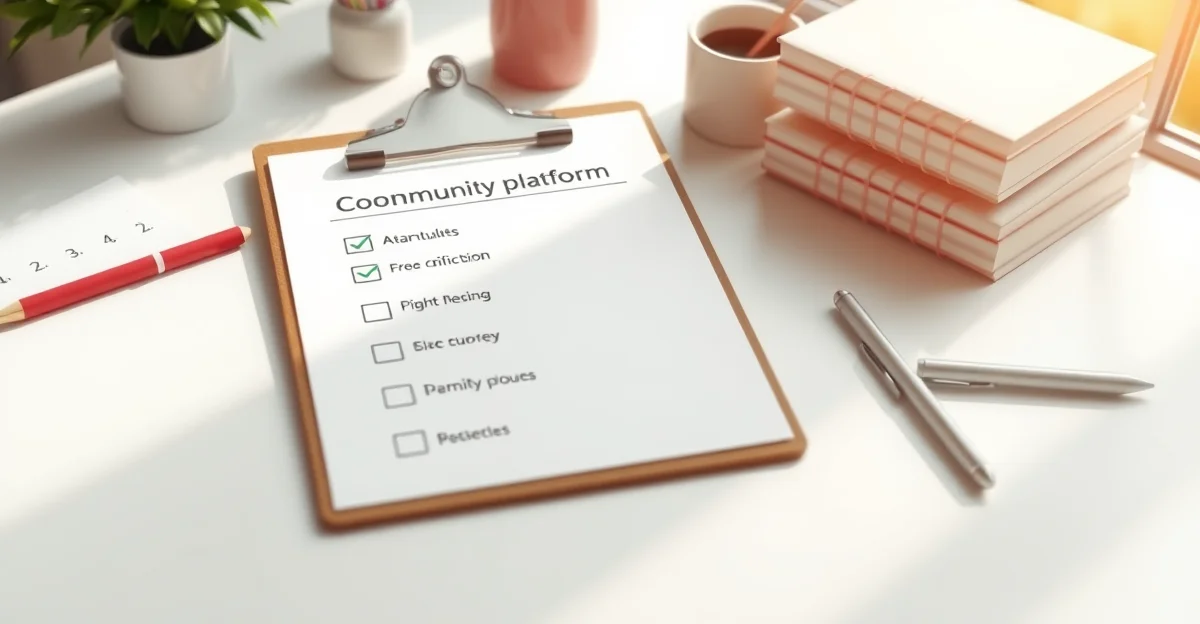
The Pre-Launch Checklist
Before you spend any money on development, work through this checklist:
- Problem statement written. One sentence describing the specific problem your community solves for members.
- 50 potential members identified. Real people with names, not a vague “target audience.”
- First-login experience mapped. You know exactly what a new member sees, does, and discovers in their first 5 minutes.
- Content seeded. You have 10 to 20 discussion starters, resources, or posts ready to go before anyone joins.
- Moderation plan. You know who moderates, what the community guidelines are, and how you handle violations.
- Engagement strategy. You have a plan for the first 90 days: weekly activities, discussion prompts, events, or challenges.
- Revenue model defined (if applicable). Free, freemium, paid, or sponsored. Know this before building.
- Success metrics chosen. What does success look like at 30 days? 90 days? 1 year? Be specific.
- Budget allocated. Not just for building, but for 12 months of operation, maintenance, and growth.
- Commitment made. Building the platform takes weeks. Building the community takes years. Are you committed to showing up daily for at least 6 months?
If you cannot check every item on this list, you are not ready to build. And that is perfectly fine. It is better to spend 2 months preparing than to spend $10,000 on a platform nobody uses.
Red Flags I Watch For
After hundreds of community projects, I can spot the ones that will struggle. Here are the warning signs I look for in initial conversations:
- “I want it to be like Facebook but better.” Facebook has thousands of engineers and billions of users. You are not competing with Facebook. You are building something specific for a specific group of people.
- “Can you build it in 2 weeks?” You can install WordPress and BuddyPress in 2 hours. But configuring, customizing, seeding content, and preparing for members takes 4 to 8 weeks minimum.
- “We will figure out the business model later.” If your community needs to generate revenue, figure out the model before building. The architecture decisions are different for free communities, paid communities, and freemium models.
- “I just need the platform, the community will build itself.” No community builds itself. The platform is 20% of the work. Community management, content creation, and member engagement are the other 80%.
- “My budget is $500.” You can set up a basic WordPress + BuddyPress community for that, but you will be doing all the work yourself. I am honest about what is realistic at every budget level.
What I Actually Recommend for Most People
For 80% of the people who ask me about building a community platform, here is what I tell them:
- Start with a free tool. Create a Discord server, Slack workspace, or even a WhatsApp group. Validate that people actually want to be in a community together.
- Run it manually for 3 months. Post content, facilitate discussions, and learn what your members actually need. Do not automate anything yet.
- Once you have 50 to 100 active members, move to WordPress + BuddyPress for ownership, branding, and monetization control.
- Keep it simple at launch. Profiles, activity feed, groups, and messaging. That is it. Add features based on what members ask for, not what you think they need.
- Invest in community management, not more features. A community manager who posts daily, welcomes new members, and sparks conversations is worth more than any plugin or custom feature.
Frequently Asked Questions
How long does it take to build a community platform on WordPress?
A basic setup with WordPress, BuddyPress, and a community theme takes 1 to 2 days. A customized platform with branded design, custom profile fields, specific group structures, and integrations takes 4 to 8 weeks. The timeline depends on how much customization you need beyond what BuddyPress provides out of the box.
Should I build my own platform or use a SaaS tool like Circle?
If you are testing an idea and have fewer than 50 members, use a SaaS tool. It is faster and cheaper to start. Once you have product-market fit and 100+ active members, migrate to WordPress for ownership, lower long-term costs, and unlimited customization.
What is the minimum budget for a self-hosted community platform?
A DIY setup costs $200 to $500 (hosting, theme, plugin bundle). A professionally built and customized platform starts at $3,000 to $5,000 for a basic project and goes up from there based on complexity. Budget at least $100 per month for ongoing hosting and maintenance.
Do I need a developer to build a community on WordPress?
For a basic community, no. WordPress, BuddyPress, and a good theme like BuddyX give you a functional platform without coding. For custom features, integrations, or a unique design, you will need a developer who understands BuddyPress at a deep level.
What is the most common reason community platforms fail?
Lack of consistent engagement from the community owner. The platform sits empty because nobody is posting, welcoming new members, or creating reasons for people to come back. Technology never kills a community. Neglect does.
If you are serious about building a community platform and want to do it right, start with the checklist above. Answer every question honestly. And if you need help with the technical side, that is exactly what we do.