Before We Write an Importer: Mapping a Custom CMS Content Model
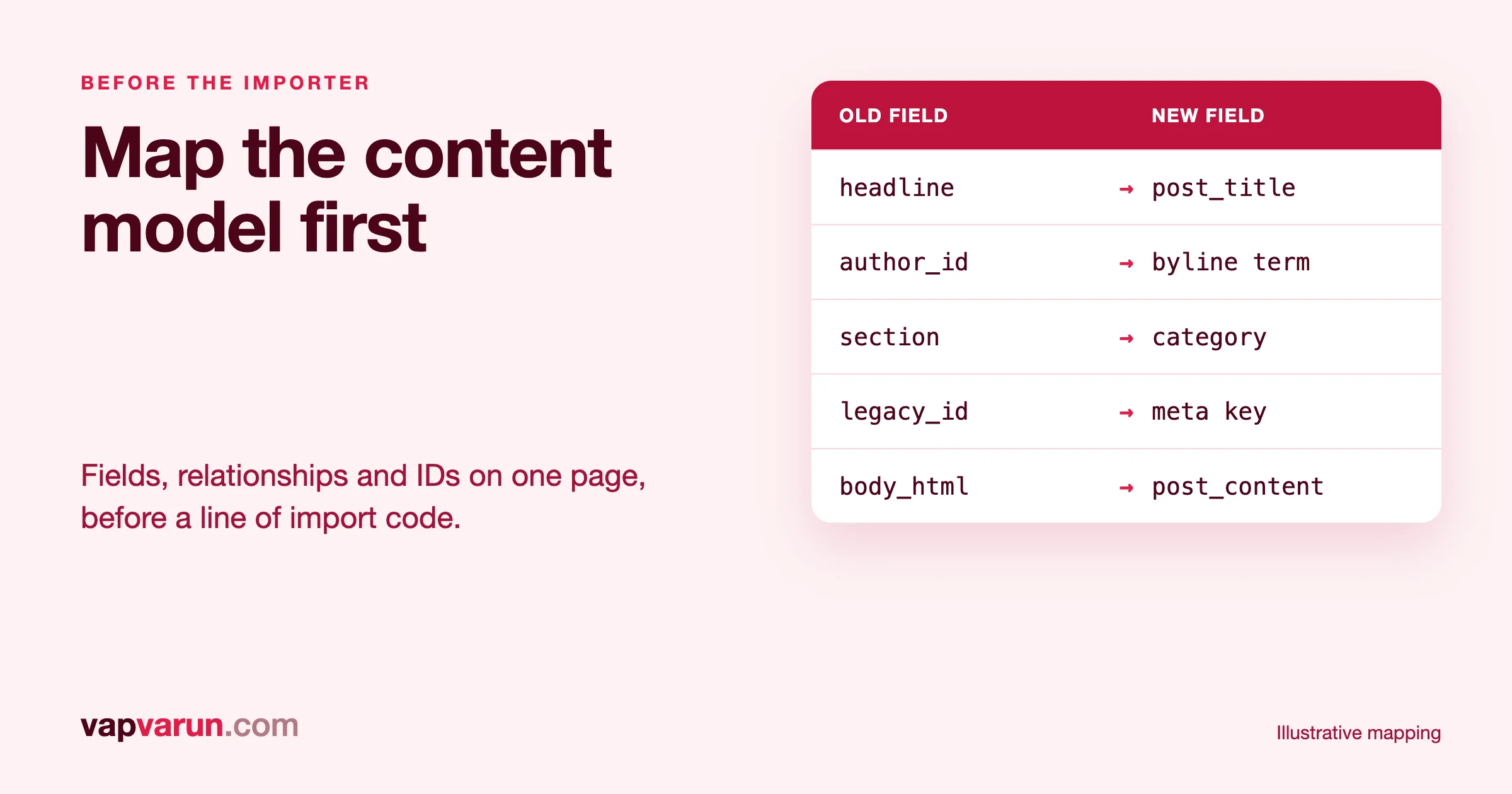
Before we write an importer for a custom CMS, we map its content model on paper. That means an inventory of every kind of content the system holds, a table that says where each field will live in the new system, a list of the links between records, a rule for how every old ID is remembered, and a plan for dry runs and reruns. The importer is the last and smallest piece. If the map is right, the code is boring. If the map is wrong, no amount of code will save the migration. This post shows how our team at Wbcom Designs does the mapping, with a short example table you can copy.
It is written for the people who approve a migration and for the developers who will build it. The first half is for decision makers: what the mapping stage is, what it produces and what you should ask to see. A clearly marked developer section follows. It shows how we keep imports safe to rerun.
We write importers as part of our own products, so this is not theory. Our team has shipped importers from bbPress to Jetonomy, from LearnDash to Learnomy, and from rtMedia, MediaPress and BuddyBoss media to WPMediaVerse. The general method for the work around an import, including URLs and redirects, is in How We Migrate a 2,000-Post Content Network Without Breaking a Single URL. The editorial side of a big archive, bylines and embeds, is in Moving Twenty Years of News Archives. This post sits between them and deals with the data model.
The short version
- Inventory first. List every content type, field, relationship and status the old system holds, including the ones nobody remembers.
- Write the mapping table. One row per old field, with the new home, a transform rule and an owner for any decision.
- Map relationships separately. Authors, sections, related items and media are links. Treat them as their own pass.
- Remember every old ID. It is what makes a rerun safe and what lets you redirect old addresses.
- Dry run, then run in batches you can repeat. An import that cannot be run twice is not finished.
- Prove it with counts and samples. The mapping table is also the acceptance test.
Why a custom CMS needs this more than a popular one
When you move from a popular system to another popular one, there is usually an exporter, a documented format and a community that has already hit most of the edge cases. A custom CMS has none of that. It may have been built twelve years ago by one contractor. The database may have tables named after a project codename. Business rules may live in code that nobody wants to read, such as "a story is only visible if its embargo date has passed and its section is not archived."
An importer written straight from a database dump will copy the rows and miss those rules. The result looks fine on the day, and then an embargoed story is public, or an archived section is empty, or two authors have swapped. The mapping stage exists to find those rules while they are cheap to find.
Stage 1: The content inventory
The inventory answers one question: what does this system actually hold? We do not trust the documentation, because for a custom system there often is none. We build the inventory from three sources and compare them.
- The database. Every table, every column, row counts, and the distinct values in any column that looks like a status, type or flag.
- The admin screens. What editors can create and edit. Anything an editor can touch is content. Anything they cannot touch might be configuration, or might be a hidden dependency.
- The public site. What readers can see. This catches content that exists only as rendered output, such as a page assembled in code from several tables.
The output is a list of content types with counts. For each type we note how many records are live, draft, deleted, archived or embargoed, because each state needs a decision. Soft-deleted rows are a common surprise. They are often a third of a table, and nobody has decided whether they should migrate.
Questions we ask the owners
- Which content types must move, which may be dropped, and which should move only for the last few years?
- Which statuses are public, and who decided?
- What do editors do in the admin that the code then does to the data later, such as scheduled jobs that change a field?
- Are there fields that only some records use?
- Is any content stored outside the database, such as files on a disk, or in another service?
Getting these answers in writing before the work starts is one of the cheapest ways to protect a project.
Stage 2: The field mapping table
The mapping table is the main deliverable of this stage. Every field in the old system gets a row. Here is a short, made-up example for an imaginary news CMS that stores stories. It is an illustration of the format, not a client's data.
| Old field | Example value | New home | Rule | Decision owner |
|---|---|---|---|---|
stories.id | 48213 | Post meta legacy_id | Copy as text. Never reuse as the new ID. | Developer |
stories.headline | "Council votes on budget" | Post title | Trim whitespace. Keep punctuation. | Developer |
stories.slug | council-votes-budget | Post slug | Keep as is. If it clashes, stop and report. | Editor |
stories.body_html | HTML with inline images | Post content | Convert to blocks. Rewrite media links. Strip vendor scripts. | Developer, then editor sample review |
stories.standfirst | One-line summary | Excerpt | Copy. If empty, leave empty. | Editor |
stories.status | live, draft, embargo, killed | Post status | live to publish, draft to draft, embargo to scheduled at embargo date, killed to not imported. | Managing editor |
stories.published_at | 2014-03-02 23:30:00 | Post date | Treat as the old system's zone. Store in universal time. | Developer |
stories.updated_at | 2019-07-11 08:02:10 | Post modified date | Copy with the same zone rule. | Developer |
stories.author_id | 77 | Byline | Look up in the approved author table. Never use the import user. | Editor |
stories.section_id | 5 | Category | Look up in the approved section table. Keep the parent. | Editor |
stories.related_ids | "48001,47990" | Related posts | Second pass, after all stories exist. | Developer |
stories.hero_image | /files/2014/03/budget.jpg | Featured image | Import file, then attach. Alt text from caption. | Developer |
stories.seo_title | Custom title | SEO title field | Copy. Check for template variables left in the text. | Developer |
stories.noindex | 1 | Robots field | Ask the owner. Do not carry over by default. | Owner |
Notice the last two columns. The rule column turns a vague intention into something a developer can implement and a reviewer can test. The decision owner column shows who decides when the rule is unclear. Without that column, questions pile up in a developer's head and get answered by guessing.
Rows that deserve extra care
- Status. Status values are business rules. "Embargo" and "killed" here mean different things to the newsroom. A mapping that treats them both as drafts is wrong.
- Dates. Include the time zone rule on every date row.
- Free text that contains structure. A body field with HTML, shortcodes or custom tags needs a converter and a sample review by an editor.
- Flags that affect search. Anything like noindex, canonical or redirect fields must be decided by the owner. A flag carried over by accident can remove a page from search.
- Fields with no home. If the new system has nowhere to put a field, say so. Either create a field, store it as meta for later, or record that it is dropped on purpose.
Stage 3: Relationships
Fields are the easy half. Relationships are where imports go wrong, because they depend on other records existing first.
We list every relationship in the model as its own table:
| Relationship | Kind | Needs to exist first | Notes |
|---|---|---|---|
| Story to author | Many to one | Authors, bylines | Merge duplicate people before linking. |
| Story to section | Many to one, nested | Sections with parents | Keep parent order, keep path rules. |
| Story to tags | Many to many | Tags | Normalise spelling before import. |
| Story to related stories | Many to many, self | All stories | Second pass. Skip links to dropped stories. |
| Story to media | One to many | Media files | Rewrite references after files move. |
| Comment to story | Many to one | Stories, users | Decide whether comments move at all. |
The order of the passes follows from the "needs to exist first" column. Our usual order is people, then taxonomy, then media, then the main records, then links between records, then redirects. A link to a record that has not been imported yet either fails or points at the wrong thing, so we never try to resolve links in the same pass that creates the records.
Dangling links
Old systems hold links to records that no longer exist. A related-stories field may name a story that was deleted years ago. The importer must decide what to do with those: skip them and log them, never fail the whole record. The log goes to the owner, because a pattern of dangling links often points to a deletion that should not have happened.
Stage 4: IDs and idempotency
Idempotent is a long word for a simple rule: running the import twice gives the same result as running it once. It matters because imports are almost never run once. A first pass finds mapping mistakes. A second pass fixes them. A final pass at cutover catches whatever was published meanwhile.
The mechanism is the old ID. Every imported record stores the ID it had in the old system. Before creating anything, the importer asks: does a record with this old ID already exist? If yes, it updates that record. If no, it creates it. That one rule gives you:
- Safe reruns. No duplicates, however many times the batch runs.
- Catch-up passes. Run it again at cutover and only new or changed records are touched.
- A bridge for redirects. If an old address contained an old ID, the stored ID tells you where the record went.
- A way to audit. Counts of old IDs against counts of new records show gaps instantly.
Rules we follow:
- Never reuse the old ID as the new primary key. Store it in a separate field.
- One key per type. Story 5 and section 5 are different things. Key them by type and ID.
- Store the key on the record, not in a side file. A side file gets lost. A field travels with the data.
- Keep a hash of the source data. If the hash has not changed, skip the update. This keeps reruns fast and avoids resetting modified dates.
Stage 5: Dry runs
A dry run is a full import that writes nothing. It reads the old data, applies every rule in the mapping table and prints what it would do. It is the best way to find mapping errors, because the output is a list a human can read.
What a good dry run reports:
- how many records of each type it would create, update or skip,
- every record that failed a rule, with the reason,
- a sample of converted records beside their sources,
- every status or value it met that is not in the mapping table.
That last item is how you find the undocumented values. If the dry run meets a status called "pending-legal" that nobody listed, it stops and reports it. We would rather have a failed dry run on Tuesday than a wrong import on Friday.
The importers our team ships follow the same habit. The LearnDash importer for Learnomy runs a dry run first. The forum importers read the old tables, match users by ID and can be re-run to catch up while the old forum stays live. The events importers show a preview and offer a full undo. The jobs importer is additive, so the original data is never edited. Each has limits, and its own documentation says what they are.
Stage 6: Rerunnable batches
Large imports run in batches, not all at once. Batches protect you from timeouts and let you see progress. They also let you stop.
- Small, ordered batches. A failure affects a known range.
- A log for every item. Success, skip or failure, with the reason.
- Resume from the log. A restart starts where the last run stopped.
- One writer at a time per kind of work. Two jobs touching the same records can overwrite each other.
- A limit on speed. A shared host can be knocked over by an import that runs flat out.
Stage 7: Acceptance, with the mapping table as the test
When the import is done, we do not ask "does it look right?" We go through the mapping table row by row.
- Counts. Records per type, per status, per year, old against new. Every difference has a reason on the list.
- Samples. A fixed sample from each type, chosen to include edge cases: the oldest record, the longest, one with a unicode slug, one with no author, one with many images. An editor reads them side by side.
- Relationships. Authors per story, stories per section and related links, compared by count.
- The public check. We check the rendered pages for broken images, broken links and leftover old addresses, not only the stored data.
- The address gate. Every old URL still resolves as planned, which we describe in the migration post linked above.
For a deeper account of the text and link checks we run after an import, see the news archive post linked earlier. On one of our own platform moves, a content comparison showed the importer had dropped text from 94 of 442 posts on one site. Nothing had raised an error. The only reason we knew is that we compared.
The importers we have shipped, and what they taught us
Three of our products came with importers because their buyers were moving from something else. Each one has a write-up on our company site.
- bbPress to Jetonomy. Our guide on moving off bbPress without losing your community explains how an existing forum moves without losing posts, members or search traffic. The lesson was identity: members are matched by ID, so replies keep the right author.
- LearnDash to Learnomy. Our guide to migrating from LearnDash to Learnomy covers what moves, such as courses, quizzes, enrolments and progress dates, and what stays behind. The lesson was honesty about limits: a mapping table that says "not carried over" is more useful than silence.
- rtMedia, MediaPress and BuddyBoss media to WPMediaVerse. We published step-by-step guides for each, including rtMedia and BuddyBoss media. The import is batched and nothing is deleted until you choose. The lesson was reversibility: the old data stays until you are satisfied.
The same four ideas appear in each: map first, remember old IDs, show a preview, and never destroy the source until the owner says so. We bring them to custom CMS work through our website migration service. A custom system always needs an audit before a quote, because the model is not written down anywhere else.
What to ask any partner before they write an importer
- Can we see the inventory, with counts by type and by status?
- Can we see the mapping table, with a rule and a decision owner on every row?
- How does the importer remember old IDs, and what happens if we run it twice?
- Can it do a dry run, and can we read the output?
- How are relationships handled, and in what order?
- What is dropped on purpose, and who approved it?
- How will you prove nothing was lost?
For developers: an idempotent upsert for WordPress
This section is for developers. Decision makers can skip it.
The core of a safe importer on WordPress is a lookup by a stored legacy key, then an insert or update. A simplified version for stories:
 'any',
		'post_status'    => 'any',
		'fields'         => 'ids',
		'posts_per_page' => 1,
		'no_found_rows'  => true,
		'meta_query'     => array(
			array( 'key' => '_legacy_key', 'value' => $type . ':' . $legacy_id ),
		),
	) );
	return $ids ? (int) $ids[0] : 0;
}

// Create or update one story. $row is one mapped record; $dry says whether to write.
function legacy_upsert_story( array $row, bool $dry = true ) {
	$key  = 'story:' . $row['id'];
	$hash = md5( wp_json_encode( $row ) );
	$post = array(
		'post_type'    => 'post',
		'post_title'   => $row['title'],
		'post_name'    => $row['slug'],
		'post_content' => $row['content'],
		'post_excerpt' => $row['excerpt'],
		'post_status'  => $row['status'],
		'post_date_gmt' => $row['published_gmt'],
		'meta_input'   => array( '_legacy_key' => $key, '_legacy_hash' => $hash ),
	);
	$existing = legacy_find( 'story', (string) $row['id'] );
	if ( $existing ) {
		if ( get_post_meta( $existing, '_legacy_hash', true ) === $hash ) {
			return array( 'skip', $existing );          // unchanged, leave it alone
		}
		$post['ID'] = $existing;
	}
	if ( $dry ) {
		return array( $existing ? 'would-update' : 'would-create', $existing );
	}
	$id = wp_insert_post( $post, true );              // inserts or updates by ID
	return is_wp_error( $id ) ? array( 'fail', $id->get_error_message() ) : array( 'ok', $id );
}
Notes on this sketch. The legacy key combines the type and the old ID, so story 5 and section 5 never collide. The hash lets a rerun skip unchanged records, which keeps the modified date honest. The $dry flag defaults to true, so the first run of any new script is a plan. The function returns a status, so the caller can write a log line for every item. Slug clashes are not hidden: let the insert fail or report, and let a person decide.
For a large site, the lookup by meta needs an index on the legacy key to stay fast, or the importer should load a map of keys to IDs once per batch. Check this on a large sample before you run the full import. Ours is a sketch for clarity, not production code.
The destination is not always WordPress. For other targets, the shape is the same: a key field, a lookup, an upsert and a log. That is why we write the mapping table before choosing a language.
Frequently asked questions
How long does the mapping stage take?
It depends on how many content types the system holds and how well it is documented. For a custom system with no documentation, expect it to take a meaningful share of the project. It is time well spent, because it removes the biggest risks early.
Why not just use an export plugin?
Export plugins work when the source system is common and the data is clean. A custom CMS has custom rules, which an off-the-shelf exporter does not know about.
Do we need to import everything?
No. Many projects drop old drafts, killed stories and test data. The decision belongs to the owner and goes in the mapping table.
What if the old system keeps changing during the project?
That is normal. Because the import is idempotent, you run it again at the end and it picks up new and changed records.
How do you make sure old links keep working?
The stored old ID and the old slug feed the redirect map. Every old address is tested against the new site before cutover.
Do you keep the old data afterwards?
Yes. The old system stays intact and non-public for a month after launch, so any question can be checked against the source.